 Mahjong PlanetCompare variants
Play Mahjong Against the Computer
Updated · Mahjong Planet
Choose your Mahjong variant, pick your computer opponents and practise at your pace. Six variants, adjustable clocks and no ads. A free account is needed to choose your lineup.
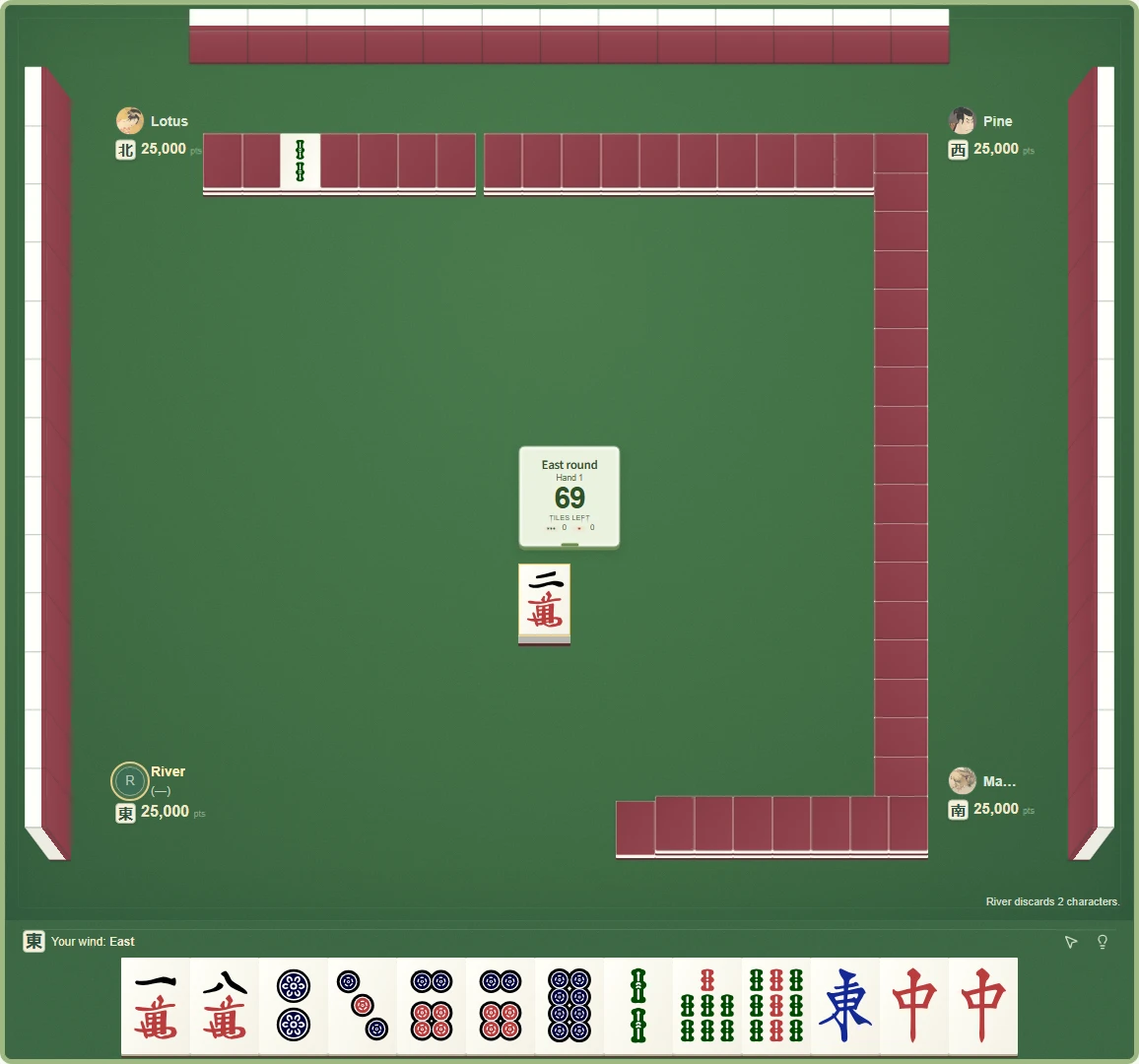
A full Mahjong table, whenever you want one.
Play the draw-and-discard Mahjong game against computer opponents in your browser. Build sequences, triplets and pairs while the other seats build their own hands. This is traditional table Mahjong, rather than the matching-pairs game called Mahjong solitaire.
You do not need to gather three friends or download an app. Open Play against computers, choose a variant and select your opponents. Three-player Riichi has two computer seats; the other five variants have three. Computer practice is unrated, including when you choose a clock.
Choose the rules you want to learn.
Riichi Mahjong uses four players, yaku and dora. Start here if you want our Riichi puzzles, scoring calculator and engine analysis alongside your games. Three-player Riichi uses a smaller tile set, two opponents and North extraction; it has its own rules and payments.
Hong Kong Old Style has flowers and seasons and a three-faan minimum. Sichuan Blood Battle uses only suited tiles: exchange three, choose a missing suit, then keep playing after the first winner leaves.
Chinese Classical uses points and doubles across four rounds. Taiwanese Mahjong gives you sixteen tiles and a usual winning shape of five sets and a pair. The same opponents are available across all six variants, with decisions adapted to each game's rules.
Start with a free account, then choose your lineup.
Create a free account or sign in, then open Play → Play against computers. Choose a variant and remove a selected character to make space for another. Select two opponents for three-player Riichi, or three for the other variants, choose your clock and take your seat.
All nine opponents are free during our launch offer. No end date has been announced; we will announce one before the offer finishes. Free lessons and the daily puzzle do not require an account. There is also a separate introductory Sichuan practice mode with a fixed lineup that you can try without signing in.

Take your time—or practise with a clock.
Choose Untimed when you want to read your options without a decision deadline. Relaxed gives 15 seconds per discard plus 60 seconds of reserve per hand. Standard gives 5 seconds plus 20 seconds of reserve, Blitz gives 3 plus 10, and Bullet gives 2 plus 5.
Reserve resets each hand. The computer pace setting controls how quickly the bots act; it is separate from your decision clock. A timed game continues through a disconnect, so use Untimed if you want room to think without clock pressure.
Different habits, rather than one difficulty slider.
For a gentle introduction, try Pebble, Fern and Clover: Pebble deliberately makes poor discards, Fern usually discards the tile just drawn, and Clover mixes sensible moves with random legal choices. They can still win a hand.
Maple protects pairs, Pine favors honor groups where the rules allow them, and Lotus favors one suit. Cedar and Birch concentrate on useful hand shapes. Willow uses the full Riichi engine in four-player Riichi and the corresponding standard engine in other variants.
The bots' public ratings come from separate rated games. They are not difficulty guarantees, and early samples can move considerably. Our launch article shows a dated Riichi snapshot with match counts and placement percentages so you can see the sample behind the numbers.
Turn a practice game into something you can learn from.
If the symbols are unfamiliar, start with the visual tile guide and beginner lessons. In Riichi, learn why a completed shape still needs a yaku, then use the scoring calculator to explore a hand's value.
The daily Riichi puzzle compares discards by the steps to a ready hand and the tiles that improve it. It teaches hand efficiency, not a universal best move. After a game, use the available replay tools to revisit decisions; engine move analysis currently supports four-player Riichi, with the account's existing review allowance.
Explore Riichi yaku with tile examples